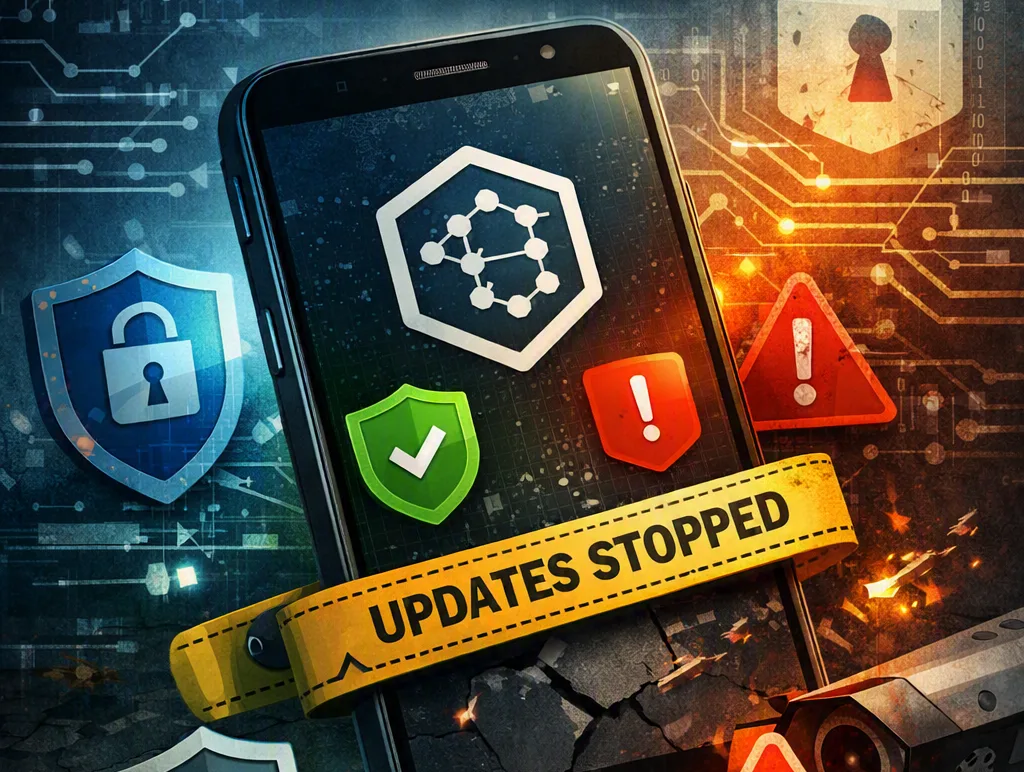
Your phone still turns on. The camera is fine. Then you notice it: no more security updates. The manufacturer has moved on, and the device you paid for is now on its own. That is the situation GrapheneOS exists to address, and it is why security-conscious people keep asking whether a phone has to die when the vendor says so.
This article explains vendor lock, planned obsolescence, why updates stop, and what running GrapheneOS or another open system actually changes. The facts are ordinary and a little uncomfortable. No brand gets a free pass. No scare story that does not hold up.
What GrapheneOS is
GrapheneOS is a mobile operating system built from the Android Open Source Project (AOSP), the public source code that sits under Android. An independent project, not Google, maintains it. The team hardens that code and publishes builds for a short list of phones, almost all of them Google Pixels.
People who care about security look at it for concrete reasons. It keeps the Android app model, so a lot of familiar software still runs. It adds stricter defaults than stock Android. Those include a hardened memory allocator, the part of the system that hands RAM to apps in a pattern that makes some memory-corruption attacks harder. It includes extra exploit mitigations. It lets you install Google Play services inside a sandbox, so apps that expect Play can often work without giving Google the deep system privileges they have on a normal Pixel.
GrapheneOS is still Android under the hood. It is a maintained, stricter Android that treats you as the administrator. That is the appeal. It is also the catch.
Vendor lock and Apple's walled garden
Vendor lock means the company that sold you the device also controls the software you can run, how long that software is patched, and often which stores you must use. You can leave. Leaving costs time, apps, photos, and habits.
Apple's iPhone is the example most people mean when they say walled garden. The operating system is signed by Apple. Apps are reviewed and distributed through the App Store. On current iPhones you cannot install a third-party OS the way you can on many Android devices. Sideloading is limited and, in most regions, still gated.
That design has a real security upside. Random websites cannot easily dump unknown apps onto an iPhone. Malware rates stay low. Updates, while a model is supported, go to the whole generation at once. The downside is equally real. When Apple ends support, that hardware cannot pick up a community OS and keep receiving patches. The garden is pleasant. The gate is not yours.
Android looks more open because AOSP is public. The phone in your pocket is usually not. The manufacturer adds a skin, closed drivers, and firmware signing keys you do not hold. A carrier may add more. The chip can still be fast. The permission to keep it patched is not in your name.
Planned obsolescence, stated plainly
Phones fail for ordinary reasons. Batteries lose capacity after hundreds of charge cycles. Ports wear. Glass breaks. That is not a plot.
Planned obsolescence is the extra pressure. Software support ends while the hardware still does the job. Spare parts get scarce. Official repair is priced so a new unit looks easier. Manufacturers have a straightforward incentive. A phone that stays fully patched for a decade is a phone you do not replace. Building and testing updates costs money. New models pay the bills.
You do not need a conspiracy to explain that. It is a business cycle. The hard truth is that your security timeline and their product timeline will diverge. When they do, stock software leaves you exposed to bugs that have already been fixed on newer models.
Why phone operating systems stop shipping security updates
A security update is not a single file everyone can share. It has to be compiled for your exact processor and radio. It has to be tested against that brand's custom apps and drivers. It has to be signed with cryptographic keys only the vendor possesses. Then it has to move through the vendor's servers and, sometimes, a carrier's approval queue.
When a model is dropped, that pipeline stops. The chip vendor may also stop providing closed-source blobs, which are binary driver files you cannot rebuild from public code. Volunteers can want to help and still be stuck without drivers or signing keys.
Apple typically supports a given iPhone for a longer stretch than most Android brands, then ends it for that generation together. Many Android makers historically shipped about two or three years of full updates. Google has lengthened Pixel support on recent generations. Other brands publish their own windows. The pattern does not change: you do not set the date.
Old software is not just missing features. Unpatched phones get hit by flaws that are public and already fixed elsewhere. Attackers prefer easy targets. An unpatched device on public Wi-Fi is an easy target.
Linux on computers, and the same idea on phones
Desktop and laptop users have done this for years. When a PC is still useful and the original operating system is not, people install Linux. A Linux distribution is a complete OS built from free and open-source software. Different groups can keep patching it as long as they understand the hardware. That is why an old business laptop can still run a current browser with current security fixes.
Phones can follow a version of that path, with more friction. GrapheneOS, CalyxOS, LineageOS, and /e/OS replace the factory Android with another Android-based system on compatible hardware. Projects such as postmarketOS try to run a more conventional Linux stack on phones. The app catalog there is smaller. Daily driving it is still a hobby for most people.
GrapheneOS is the name security people bring up most because the project is not only trying to remove Google. It is trying to ship a hardened Android with a reliable patch cycle on hardware it can actually support.
On a computer, we see this every week. A machine that cannot run the latest Windows often runs Linux without drama. The same honesty applies in reverse. If the hardware is failing, a new OS will not save a dying drive or a swollen battery.
Security details, side by side
Treat this as a comparison of designs, not a scoreboard.
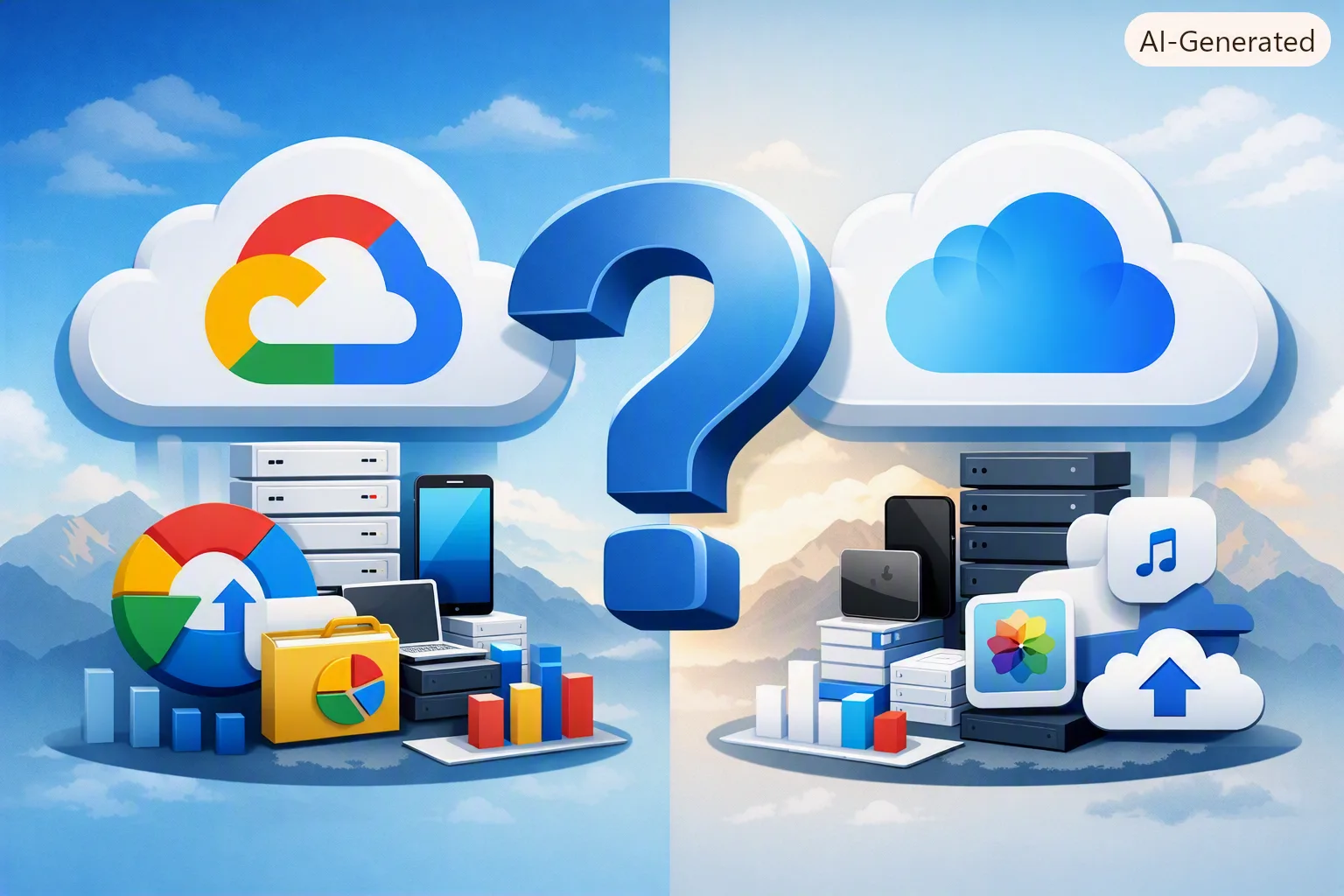
iOS. Hardware and software are built together. Apps run in sandboxes, which means each app is fenced off from the others. While Apple supports a model, patches arrive quickly and universally. Store review blocks a lot of junk. You trust Apple's engineering and Apple's calendar. You cannot keep that device on an independent OS after support ends. iPhones also collect some usage and diagnostics data, and Apple's business still benefits from iCloud, Apple Pay, and the store cut.
Stock Android on a Pixel, a Samsung, or similar. You get more freedom to install apps from outside a single store. Update length depends on the brand. Manufacturer skins add features and also add code that must be patched. Google Play Protect scans for known-bad apps. Play Integrity, the device-attestation system that used to be called SafetyNet, lets banks and streaming apps ask whether this is a stock, unmodified device. Google's advertising business is funded by data about what you search, watch, and install. You can reduce that. You cannot wish it away on a default install.
GrapheneOS. Verified boot checks the operating system every time the phone starts and will refuse to run a tampered system. The hardened allocator and compiler mitigations raise the cost of memory-corruption exploits. Each app can be denied network access from the permission screen, not only location or camera. Sensors can be toggled. Sandboxed Google Play is optional: Play runs like a regular user app, not as part of the OS. Pixels include a dedicated security chip that holds keys; GrapheneOS uses it rather than ignoring it. You become the administrator. If you sideload reckless installer files, GrapheneOS will not talk you out of a bad decision.
Linux on a PC. A current kernel and a current browser on old hardware is normal. Full-disk encryption is standard on serious setups. You pick the apps. Driver support, especially for Wi-Fi and graphics, is the usual snag. You are the sysadmin. That is the same trade GrapheneOS asks for, in a more mature ecosystem.
No operating system is secure as a slogan. Security is who you trust, what you install, and how long someone will still ship patches.
Why companies want control, and why they want data
Control pays. An app store takes a percentage of every purchase. A default search deal is worth enormous sums. Cloud photos and password vaults make leaving painful. A phone that only works smoothly with one vendor's earbuds, watch, and laptop keeps the next sale in the family.
Data pays too. Advertising companies, Google included, earn money by knowing which ads you see and what you do next. Location history, app graphs, and advertising identifiers are valuable because they predict behavior. Hardware companies collect crash logs and usage metrics and call it product improvement. Some of it really is engineering. Some of it is a profile. From the outside, those two look similar, which is the ugly part.
Apple sells privacy in its marketing and still runs a closed economic garden. Google ships capable hardware and a capable OS and also runs one of the largest ad networks in the world. Both can be true. Awareness means you notice how the bill is paid: at the register, in the store cut, or in the telemetry.
You are not foolish for staying in those ecosystems. You are only uninformed if you never asked the question.
The good, the bad, and the ugly
The good: current iPhones, current Pixels, and GrapheneOS all encrypt storage by default. A strong passcode still matters more than the brand on the back. Auto-updates, while they last, close holes you will never hear about. Plenty of people live ordinary, safe-enough digital lives on stock software.
The bad: support end dates are not on the shelf tag next to the camera megapixels. Used phones are sold every day with expired patch levels. Retail conversation is about battery life, not about how long the vendor will still sign firmware.
The ugly: opening the bootloader, the small program that starts the OS, so you can install another system usually wipes the device. It can void the warranty. It often trips hardware attestation, so banking apps, some government ID apps, and high-quality streaming may refuse to run. A bad procedure can brick the phone, which means it will not start. Carrier-branded units sometimes block bootloader access entirely. Forum advice goes stale. There is no manager who will restore a device you flashed yourself.
Hardware that can actually run these systems
GrapheneOS officially supports Google Pixel phones. That is an engineering fact, not a commercial. Pixels ship with a bootloader the owner is allowed to open, verified-boot support that GrapheneOS can hook into, and a security chip the project knows how to use. Device support is a living list. Read the current one on the GrapheneOS site before you buy anything. Older Pixels age off. New ones get added after the project has the work done.
Other realistic options:
LineageOS supports a wider set of devices, including some OnePlus, Fairphone, and older flagships. Hardening is lighter. The project is about keeping Android current on hardware vendors abandoned.
CalyxOS also focuses on Pixel hardware and ships privacy-minded defaults.
/e/OS aims at a Google-free Android experience and offers some phones with the OS already installed.
Fairphone hardware is designed so you can replace a battery or a port with a screwdriver. OS choices depend on the generation.
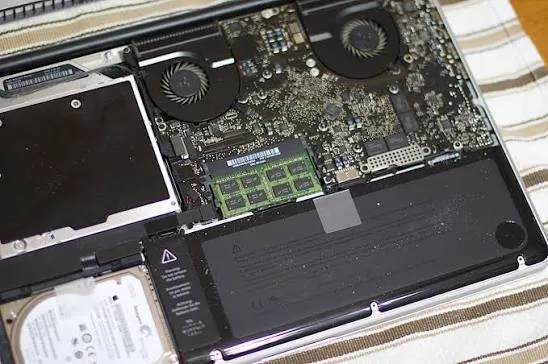
On the computer side, machines from Framework and many business ThinkPads are built with the assumption that you might install your own OS. Phones are stricter.
You need hardware that is not carrier-restricted in a way that blocks bootloader access. A Pixel sold without a carrier contract, from a seller you trust, is the dull and reliable path for GrapheneOS. A random used phone from a marketplace listing is how people end up with a device that will not boot.
Check the exact model number, not just the marketing name. Two phones that look like siblings on a store shelf can be different devices on these lists.
Do this first, before any flashing
Cheap checks save expensive mistakes.
Confirm today's official supported-device list for the OS you want. Ignore a blog post from three years ago.
List the apps you cannot live without. If your bank, work profile, or transit card demands stock attestation, test that assumption before you wipe anything.
Back up photos, messages, and authenticator codes to something you control. A second phone or a computer copy. Not only the vendor's cloud.
Read the entire official install guide once without touching the phone. If a sentence is unclear, you are not ready.
Have a second device so you are not cut off from email and two-factor codes if the first one fails to boot.
If those checks fail, stop. Keeping stock software and replacing the phone when support ends is a valid choice. So is repairing a battery and using the device for less sensitive tasks. A custom OS is not a moral requirement.
Guides, and a warning you should take literally
If you still want to install one of these systems, use only the project's own documentation:
Disclaimer. Installing a third-party operating system can wipe your data, void your warranty, break apps you rely on, and permanently disable the device. SidTheTech is not responsible for data loss, bricked phones, failed payments or ID apps, or any damage from following those guides or advice on this page. Do this only if you accept those risks. We do not treat unofficial phone OS installs as routine repair work unless we have agreed to that job in writing. If you are unsure, do not proceed.
We mean that. A computer-repair shop sees enough preventable disasters. This is one you can walk into with your eyes open or avoid entirely.
Where a shop like ours actually helps
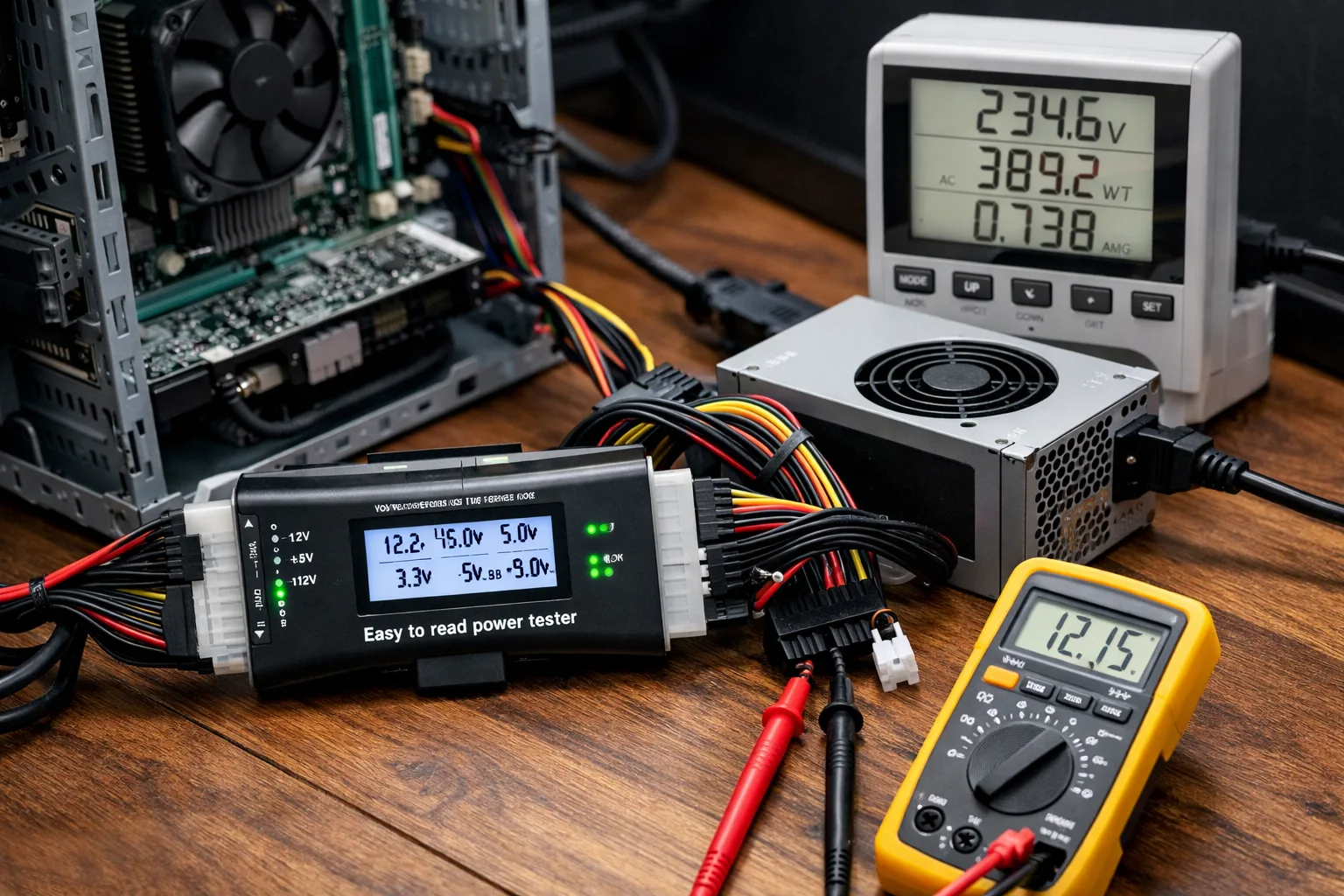
Most people who walk in do not need GrapheneOS. They need a battery, a port, a clean backup, or a straight answer about whether the machine is worth keeping. On computers, moving to a supported OS — Linux or a current Windows install on hardware that can handle it — is often the practical move. On phones, a swollen battery is a safety issue no custom OS will fix.
If a repair is not worth the money, we will say so. If the honest path is to use the phone until it dies and then buy a device with a long published update window, we will say that too. Shop for the patch years as hard as you shop for the camera. Ask what happens to your data on the default settings. Decide whether you want to be the administrator or you want a vendor to be.
If you want a second pair of eyes on a phone that has aged out of updates, or a computer you would rather keep, bring it in. We will look at the hardware first, then talk about software.