[THIS ARTICLE IS SIMPLY A TEST]
Nothing stops a computer faster than a failing power supply. If your PC randomly shuts down, won't turn on, or makes odd noises, the power unit could be the culprit. Here's how to check it safely.
Watch for common warning signs
Start by noticing what your computer is doing. Frequent crashes during heavy tasks, fans spinning but no display, or a burning smell near the back of the case often point to power issues. These clues help you decide if testing is worth the effort.
Do a basic visual check
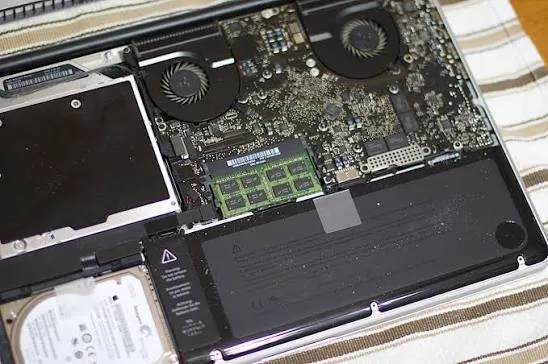
Unplug the computer and open the case. Look for bulging capacitors, burnt wires, or dust buildup on the power supply fan. A quick clean with compressed air can sometimes fix overheating problems, but damaged parts mean replacement time.
Try the paperclip test
This simple test checks if the power supply can turn on at all. You'll need a paperclip and the power supply removed or still in the case. Connect the green wire to any black wire on the 24-pin connector, plug it in, and listen for the fan. If it spins, the unit has basic power; if not, it's likely dead.
Use a multimeter for voltage checks
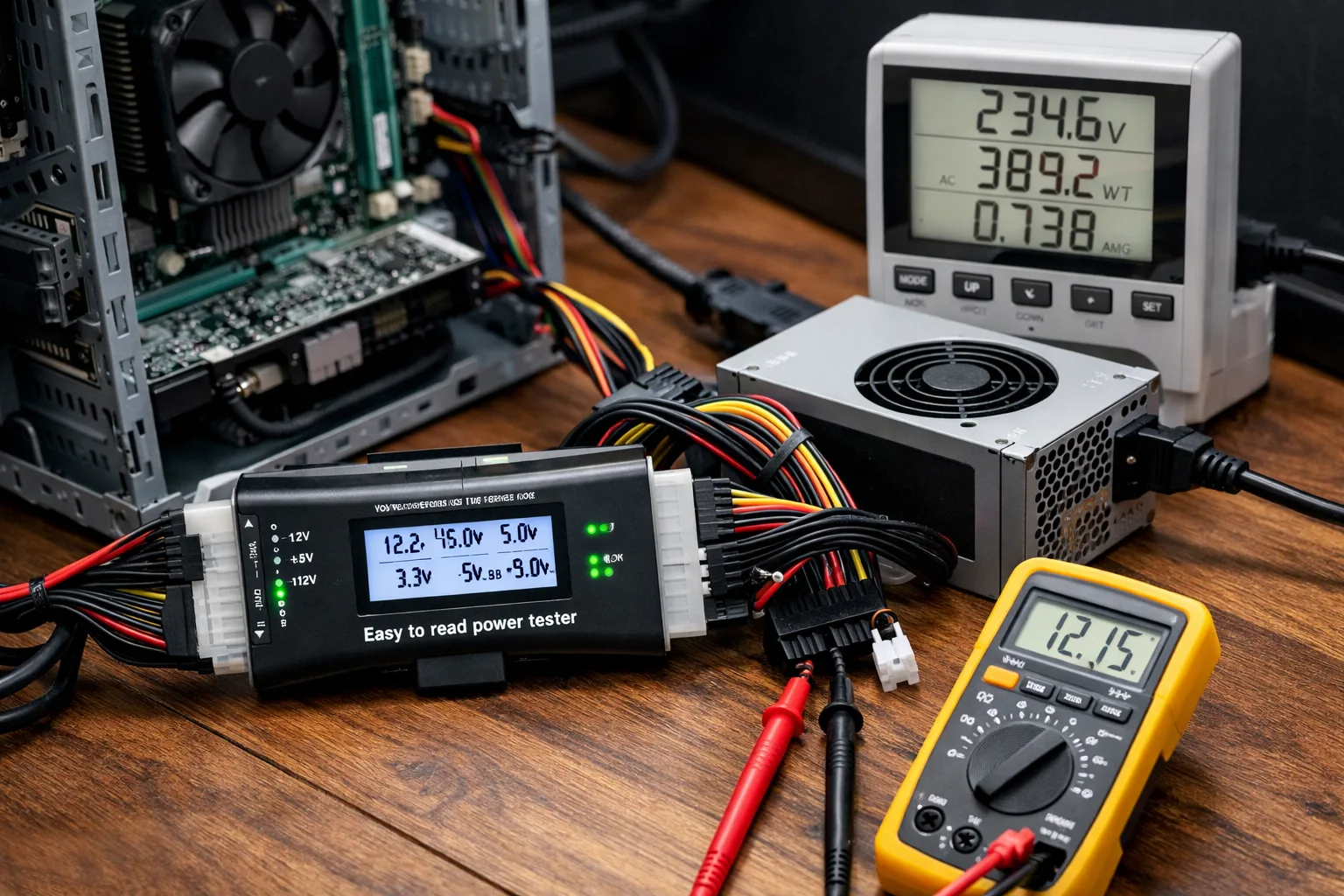
For more detail, a multimeter lets you measure the actual voltages on the connectors. Compare readings to the standard values printed on the power supply label. Readings that are more than five percent off usually mean the unit needs replacing.
Know when to get help
These tests are safe for most people, but working inside a computer carries some risk. If you're unsure or the tests show problems, bring the machine to SidTheTech. We'll run full diagnostics and install a reliable replacement quickly.
In short, testing your power supply early can save you from data loss and expensive repairs later. A quick check today keeps your computer running smoothly tomorrow.